


Chapter 1 · GAD language
Tests, projects and packages
Write tests in GAD, declare a project with lakou.gad, start every GAD target from the Run panel and add packages.
Write and run tests
A test is an action whose name starts with tès-, in a file whose name starts with tès.
fè kare ak n
    retounen n * n
fini

fè tès-kare
    asire-egal(kare(3), 9)
fini

fè tès-lis
    asire-egal(longè([1, 2, 3]), 3)
    asire(triye([3, 1, 2])[0] se 1, "premye a dwe 1")
fini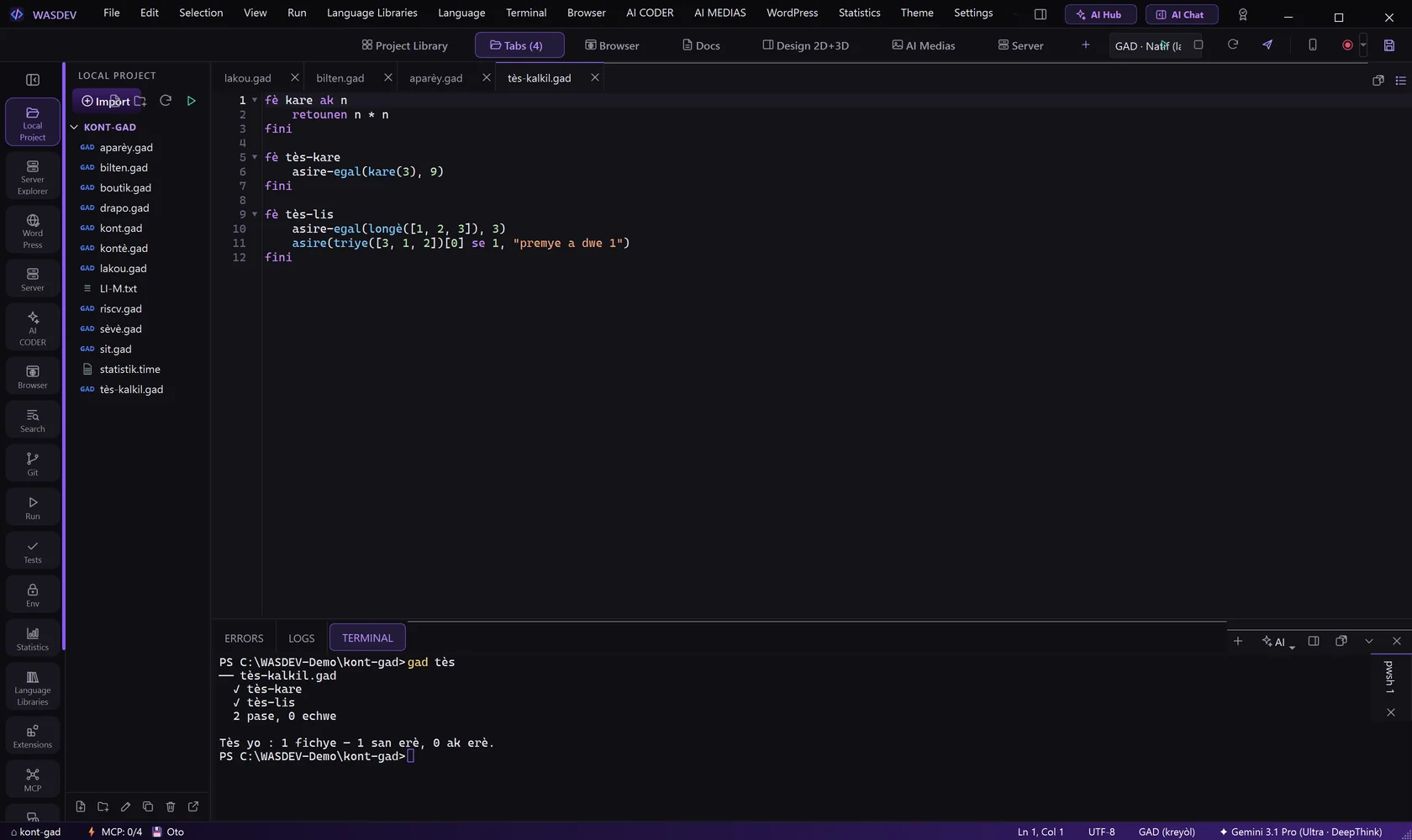
- Create the file
tès-kalkil.gadwith this code. - Type
gad tèsin the terminal. GAD runs every test of every test file of the folder.
── tès-kalkil.gad
  ✓ tès-kare
  ✓ tès-lis
  2 pase, 0 echwe
asire-egal(a, b)stops whenais not equal tob, and says what it expected and what it found.- The exit code is 1 when a test fails.
Declare a project: lakou.gad
<lakou "Kont GAD"
    id="ht.granlaku.kont"
    vèsyon="1.0.0"
    otè="GETHO GUERRIER"
    konpayi="GRAN LAKU COMPANY"
    lisans="Lisans GAD"
natif="bilten.gad">- With
lakou.gadin the folder,gad kouri,gad batiandgad tchekeneed no file name. natifis the file that starts the application.
Start a GAD target from the Run panel
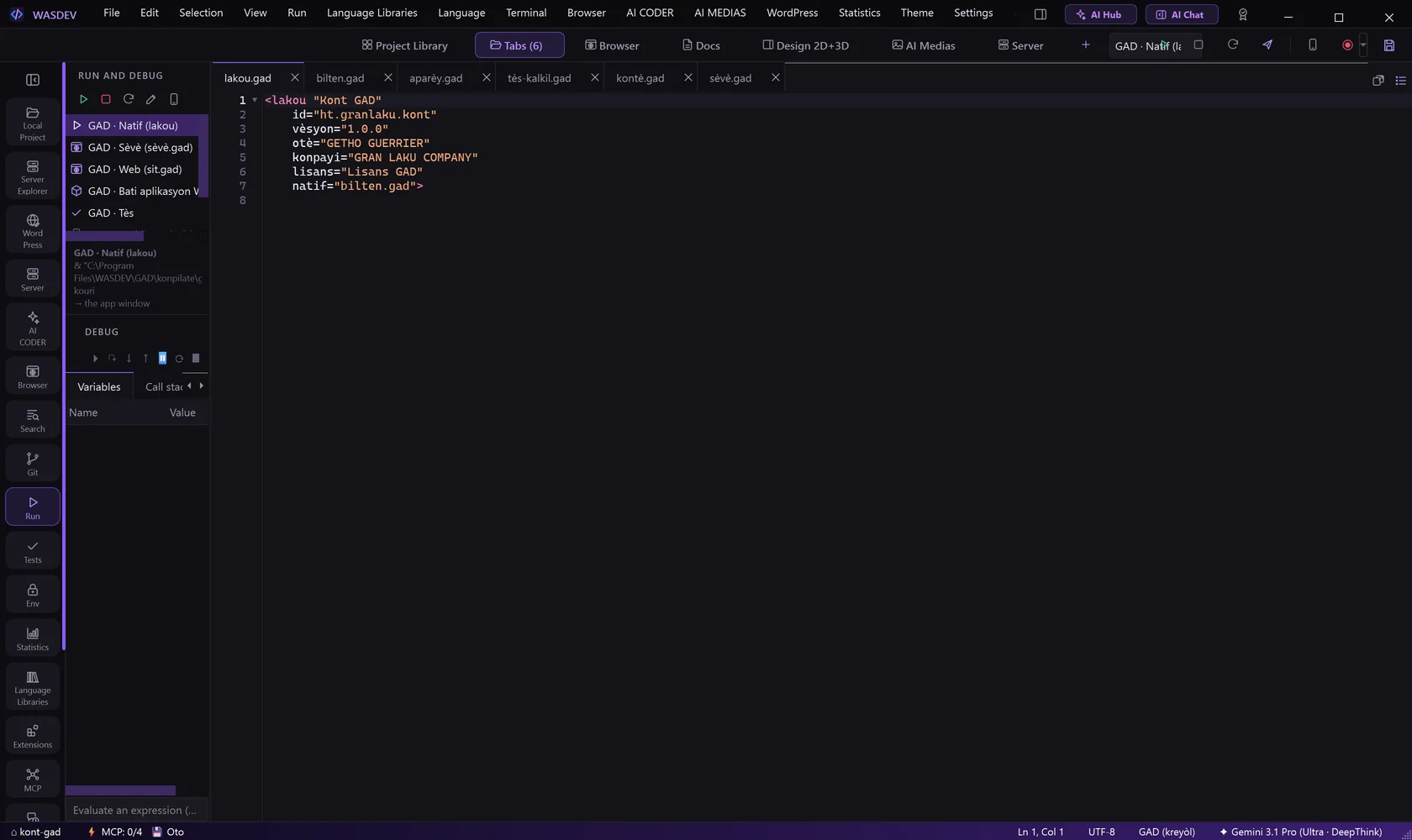
- Click Run in the left bar.
- Choose a target: the native application, the server, the web page, the Windows application or the tests.
- Click the start button at the top of the panel.
- WASDEV finds the targets by reading the GAD files of the project.
- The mobile target and the firmware target are listed but not available: they are not in the GAD compiler yet.
Packages
| Command | What it does |
|---|---|
| gad pake nouvo | Create pake.toml for this project |
| gad pake ajoute name source | Add a dependency and install it |
| gad pake enstale | Install every dependency in the folder pake |
| gad pake retire name | Remove a dependency |
| gad pake lis | List the dependencies |
- A source is a folder, a git repository or a zip archive on the internet.
- In your code, use a package with its path:
sèvi ak "pake/koule/koule.gad".